
Solving Your Office Internet Connection Problems Once and For All
In today’s rapidly evolving digital landscape, a stable internet connection isn’t just nice to have-it’s absolutely essential. Yet even with premium business internet services, many offices still struggle with connectivity issues that hurt productivity and disrupt daily operations.
This guide breaks down the seven most common office internet problems, their root causes, and practical solutions to fix them. We’ll also explore how enterprise-grade services like Beyondnet are designed to address these challenges head-on.

1. Slow Network Speeds
Slow internet is perhaps the most frequent and frustrating problem in any work environment. It shows up in countless ways-web pages that won’t load, applications that lag, file transfers that crawl, and cloud services that feel like they’re moving through molasses.
Why Does This Happen?
The biggest culprit is insufficient bandwidth. During peak hours when multiple employees are running high-bandwidth tasks simultaneously, your available bandwidth often just isn’t enough to keep up with actual usage. Add to this older routers, modems, and network equipment that can’t deliver the performance you need, and you’ve got a recipe for bottlenecks. Without proper network segmentation or Quality of Service (QoS) settings, multiple devices end up competing for the same resources, which only makes things worse.
How to Fix It
Start by evaluating your actual bandwidth needs based on the number of devices in your office, usage patterns, and peak traffic times, then upgrade your connection accordingly. Replace outdated equipment with modern enterprise-grade routers, switches, and access points that can handle your current workload. And don’t forget regular maintenance-router reboots, firmware updates, and cable checks can help maintain optimal performance over time.
2. Inconsistent Wi-Fi Coverage and Dead Zones

We’ve all been there-the internet works perfectly in the conference room, but the moment you step into the hallway or break room, the connection drops. In large offices, multi-floor buildings, or structurally complex spaces, Wi-Fi dead zones are extremely common.
Main Causes
Physical obstacles are the primary issue. Walls, doors, and furniture significantly weaken Wi-Fi signals, and materials like concrete, metal, and plaster are particularly effective at blocking them. When wireless access points aren’t strategically placed, signals don’t distribute evenly, leading to interference and coverage gaps.
The Solution
Start with a professional site survey that measures signal strength throughout your space to determine optimal access point placement. Deploy a mesh network architecture where multiple APs work together organically to provide seamless coverage across your entire office. Strategic placement of enterprise-grade access points in key areas eliminates dead zones and ensures consistent signal quality throughout.
3. Network Congestion and Overload
As cloud services, video conferencing, and large data transfers become more common, network congestion is becoming an increasingly critical challenge for businesses.
What’s the Problem?
It’s not just company-issued devices anymore. Personal smartphones and tablets connecting to the network quickly consume available bandwidth. High-bandwidth applications like video conferencing, large file transfers, streaming, and cloud backups are particularly resource-intensive.
Practical Solutions
Set up bandwidth prioritization through Quality of Service (QoS) policies to ensure critical business traffic gets handled first. Monitor your network in real-time to track which devices and applications are consuming the most bandwidth. Implement network segmentation with VLANs to separate different types of traffic, reducing congestion while improving security.
4. Unauthorized Network Access

Someone secretly using your company Wi-Fi? It’s more common than you’d think. Unauthorized users accessing your network don’t just pose a security risk-they also degrade performance for everyone else.
Why Does This Happen?
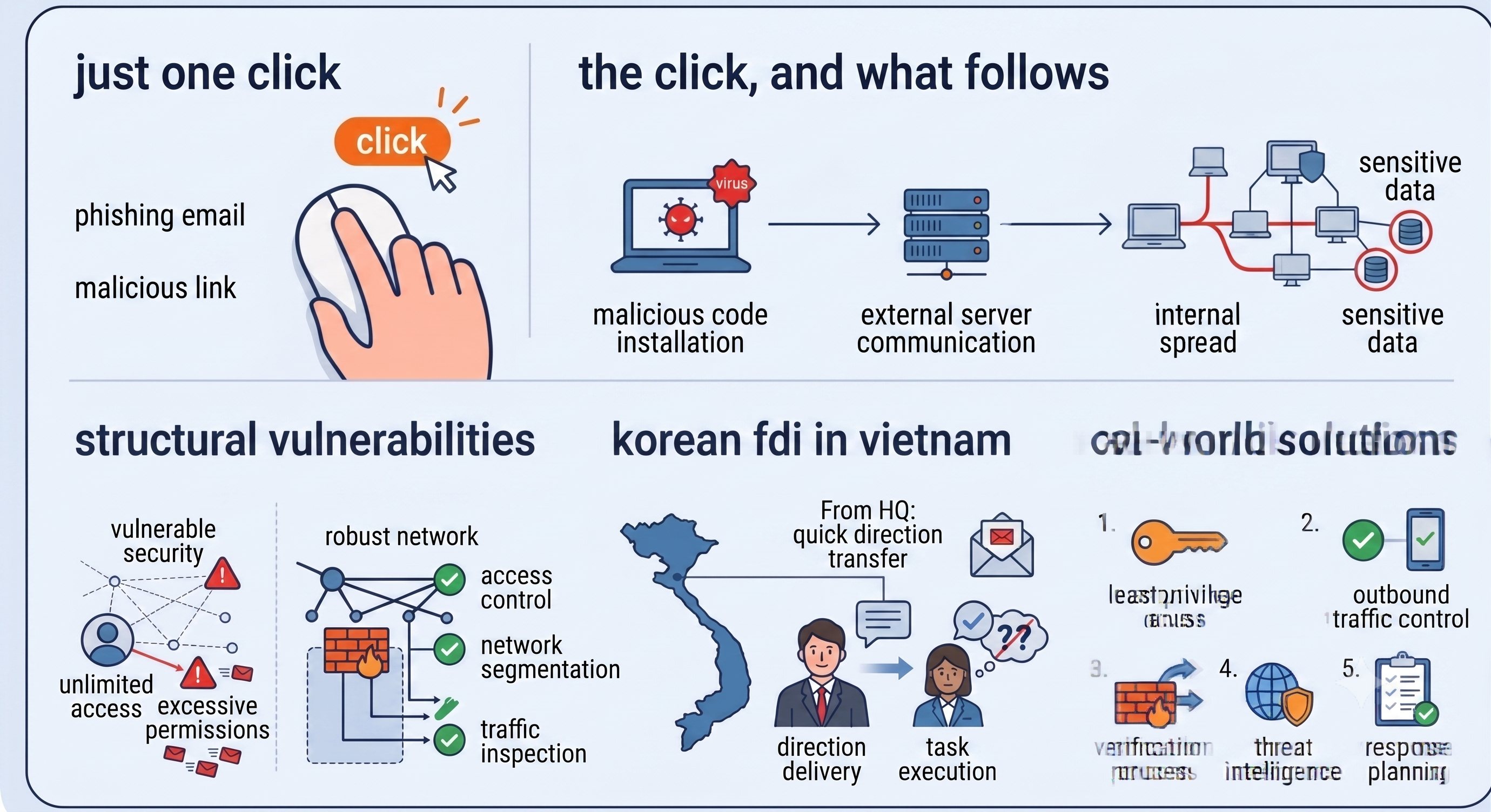
Weak encryption, simple passwords, and outdated security protocols make it easier for intruders to gain access. Without proper device authentication procedures, outsiders can connect with minimal effort.
Strengthening Your Security
Use WPA3 security protocols, set complex passwords, and change them regularly. Implement network access control (NAC) to ensure only authorized devices can connect. Set up a separate guest network that’s completely isolated from your main network for visitors.
5. DNS and IP Configuration Issues
“The internet is connected but websites won’t load”-sound familiar? DNS or IP configuration errors frequently cause intermittent connectivity problems that can be tricky to diagnose.
Root Cause Analysis
ISP DNS server failures or misconfigured local DNS servers create delays in domain name resolution. When the same IP address gets assigned to multiple devices, conflicts arise that cause connection problems.
Simple Fixes
Switch to reliable public DNS services like Google DNS (8.8.8.8, 8.8.4.4) or Cloudflare DNS (1.1.1.1). Assign static IP addresses to critical equipment like servers and printers to prevent conflicts. Optimize your DHCP address pool settings to avoid IP address exhaustion.
6. Hardware and Cable Failures

Sometimes you can spend hours troubleshooting software only to discover it was a single faulty cable all along. Physical infrastructure problems cause persistent and recurring connectivity issues.
Common Culprits
Improper installation, renovations, and natural wear and tear can damage cables, leading to intermittent failures. Network equipment like routers and switches degrade over time and can eventually fail.
Prevention and Management
Regularly inspect cables, especially in high-traffic areas where they’re more likely to get damaged. Implement redundant equipment for critical infrastructure so you can switch over immediately if something fails. Develop a proactive replacement schedule based on equipment lifecycle to stay ahead of potential failures.
7. ISP Service Quality Issues
Sometimes the problem isn’t inside your office at all-it’s with your Internet Service Provider.
Key Problems
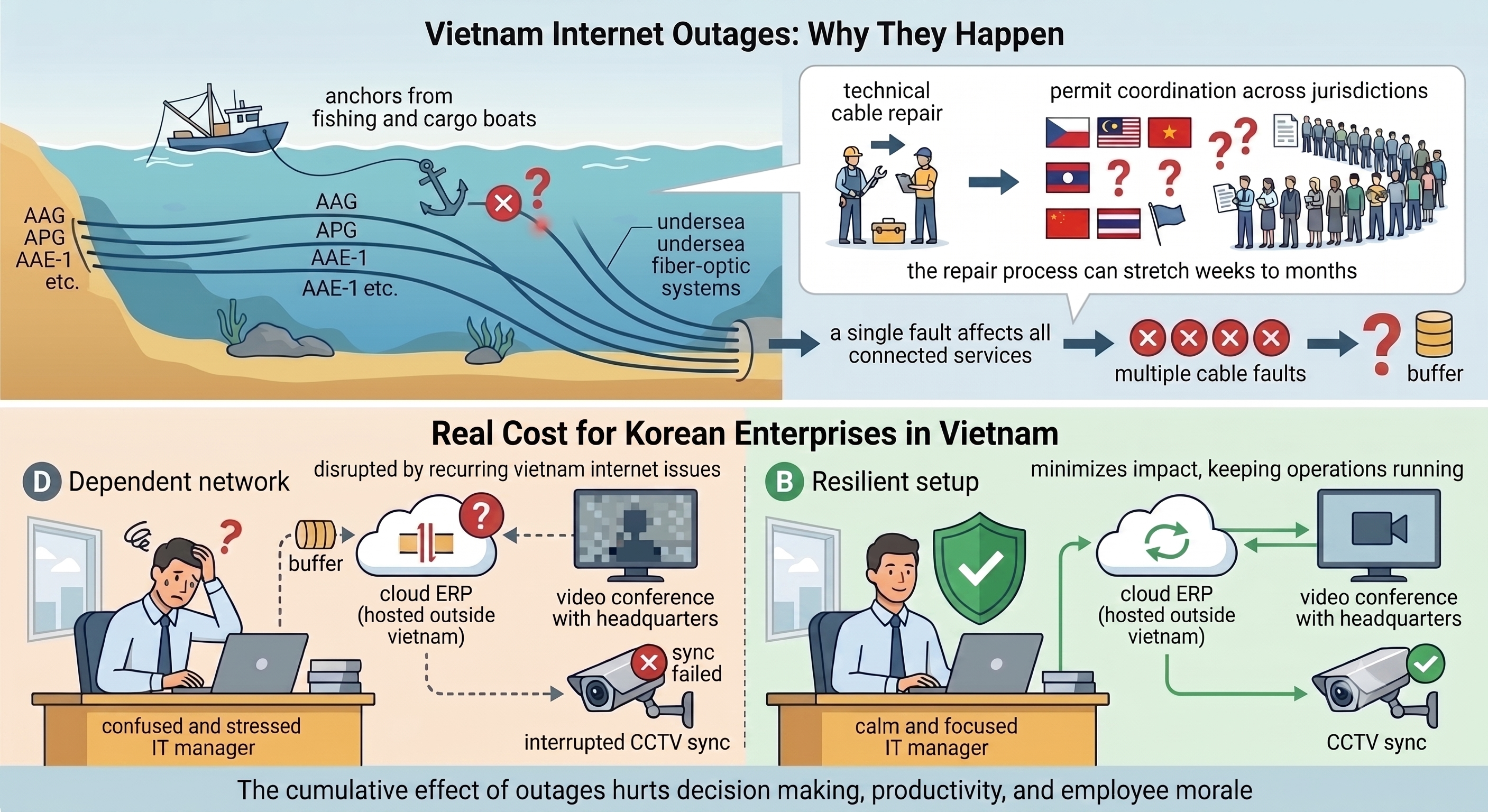
Network congestion, routing issues, and infrastructure limitations on the ISP’s end can cause inconsistent speeds and reliability. When you’re using residential-grade internet for business purposes, there’s typically no guarantee on uptime or latency.
Choosing a Business-Grade Solution
Consider dedicated circuits that provide exclusive bandwidth rather than shared connections. Use SLA-based services where uptime, latency, and throughput are contractually guaranteed at enterprise levels.
How Beyondnet Office Internet Solves These Problems?
Beyondnet Office Internet is a business-dedicated solution designed specifically to address all the office internet challenges mentioned above.
First, it provides dedicated bandwidth backed by SLA guarantees that clearly define uptime, latency, and throughput commitments. Real-time bandwidth monitoring, QoS policy execution, and proactive issue detection help prevent problems before they impact your business. The service includes enterprise-grade firewalls, IDS/IPS systems, and secure VPN capabilities as standard features.
Most importantly, you get dedicated business support with a team that understands your needs, provides rapid incident response, and conducts regular preventive maintenance checks. As your business grows, you can flexibly scale bandwidth and services to match your evolving requirements.
Wrapping Up
Office internet problems go beyond simple inconvenience-they directly impact your company’s productivity and operational efficiency. From slow speeds to dead zones, security threats, and hardware failures, understanding the root causes of these diverse issues and addressing them systematically is crucial.
BeyonNet Office Internet provides a comprehensive connectivity solution optimized for modern business environments through dedicated bandwidth, advanced management tools, robust security features, and expert technical support. Boost employee productivity with reliable internet connectivity, eliminate unnecessary downtime, and ensure business continuity.
Stop letting internet problems interrupt your work. Start with BeyonNet today and experience the difference that truly reliable business internet can make.